How to PET
Choose your favorite PET color and make your companion unique.
Choose your PET color by entering the corresponding command in the game.
PET color can only be selected once. Please choose your favorite color carefully.

Black
ดำ/pet 1
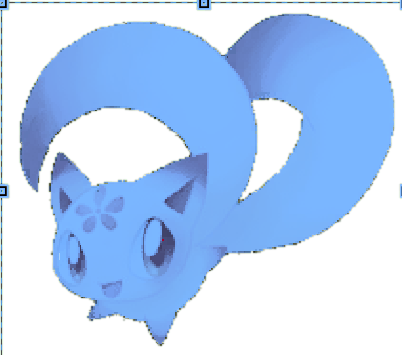
Blue
น้ำเงิน/pet 2
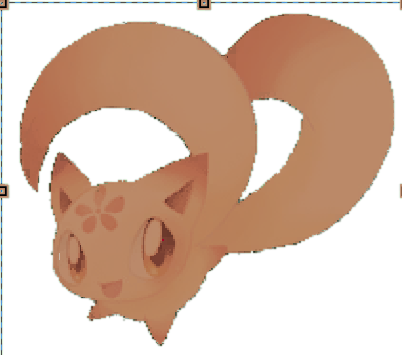
Brown
น้ำตาล/pet 3

Green
เขียว/pet 4

Navy
กรมท่า/pet 5
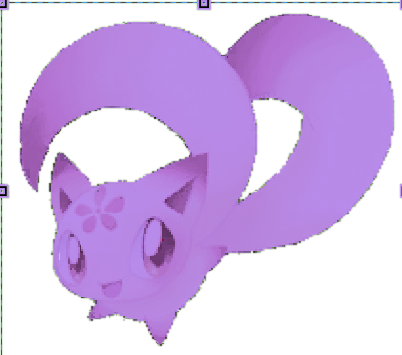
Purple
ม่วง/pet 6

Red
แดง/pet 7

White
ขาว/pet 8
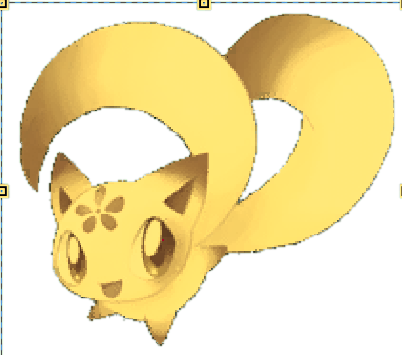
Yellow
เหลือง/pet 9

Snow
ฟ้าอ่อน/pet 10

RedPurple
แดงอมม่วง/pet 11
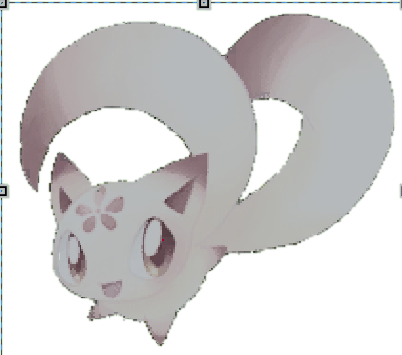
Gray
เทา/pet 12
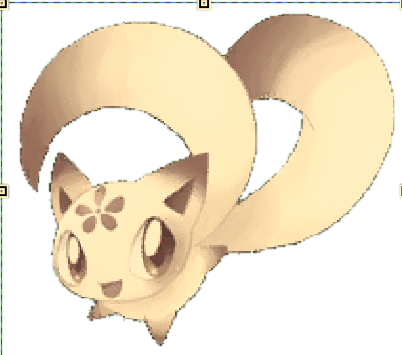
Beige
เบจ/pet 13
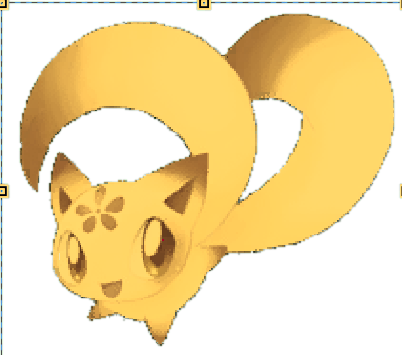
Gold
ทอง/pet 14
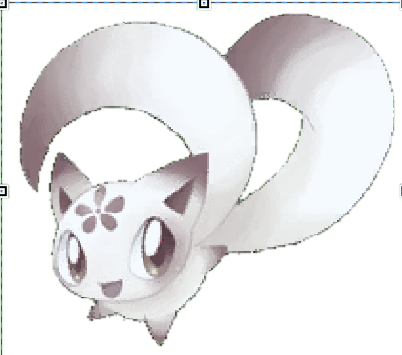
Silver
เงิน/pet 15
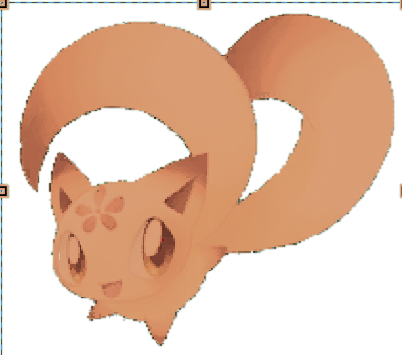
Bronze
ทองแดง/pet 16
Give Your PET a Name
You can give your PET a custom name by using the command below in the game chat.
Example:
/petname Mochi
Your PET will be named "Mochi".
NAME REQUIREMENTS
Only English letters (a-z, A-Z), numbers (0-9), spaces, and _ - . are allowed.
Maximum length is 16 characters.
Thai characters and other unsupported languages are not allowed. The system will notify you if the name contains invalid characters.
Store Your PET
You can store your PET at any time by using the command below.
/pet offYour PET color can only be selected once. Make sure you choose the color you really want before using the command.